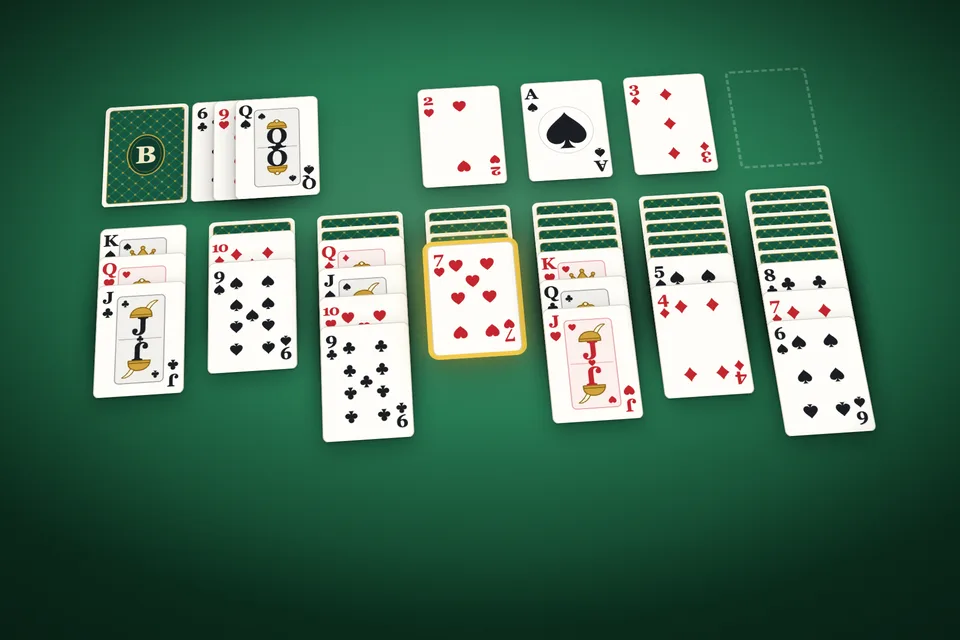
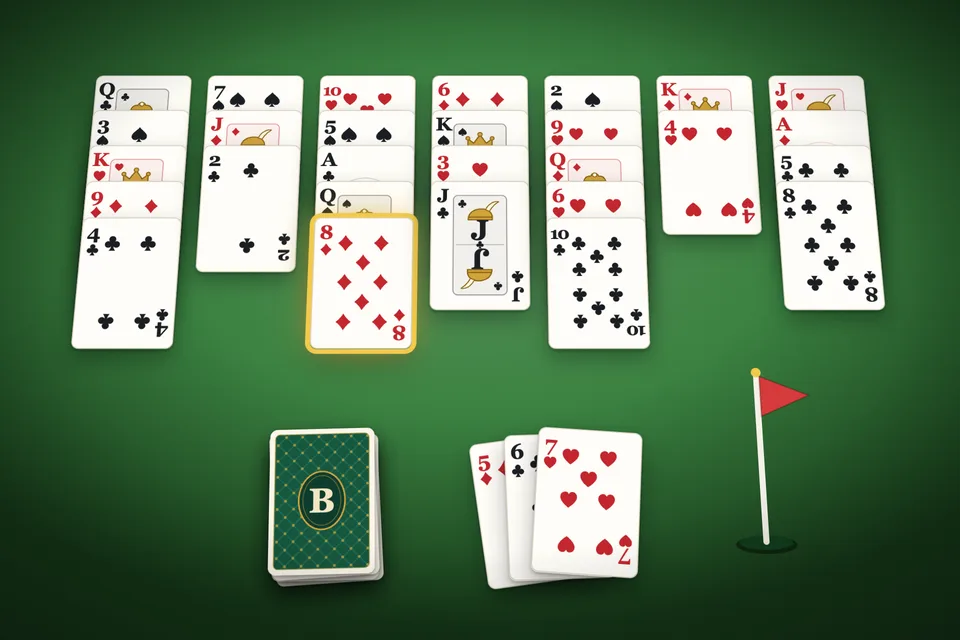
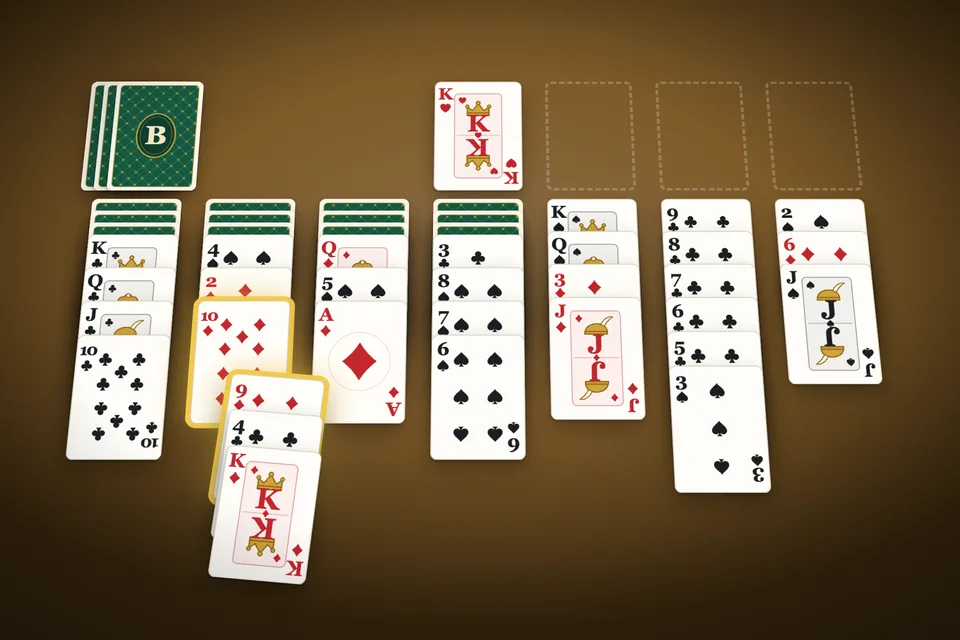
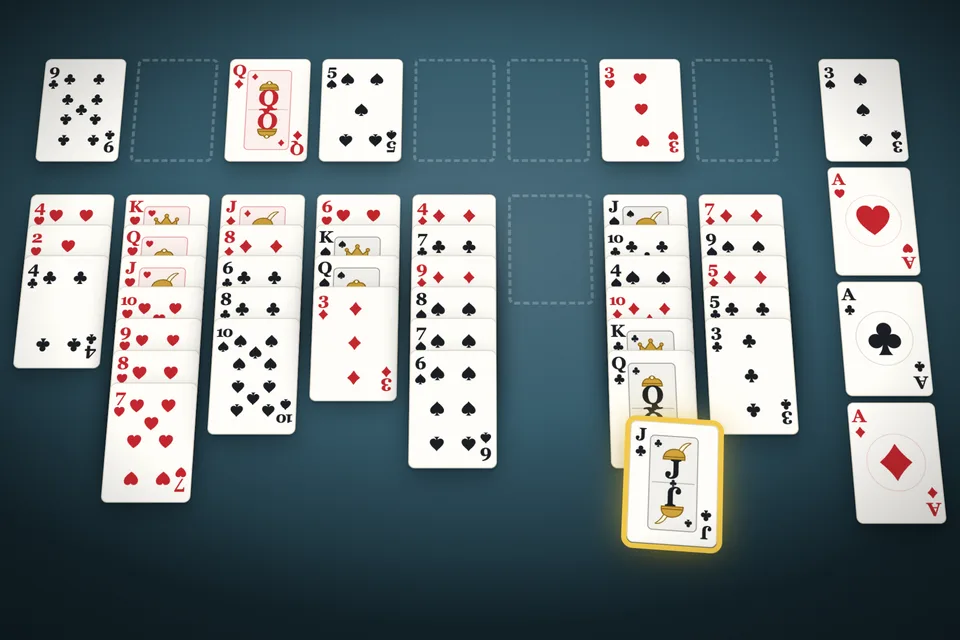
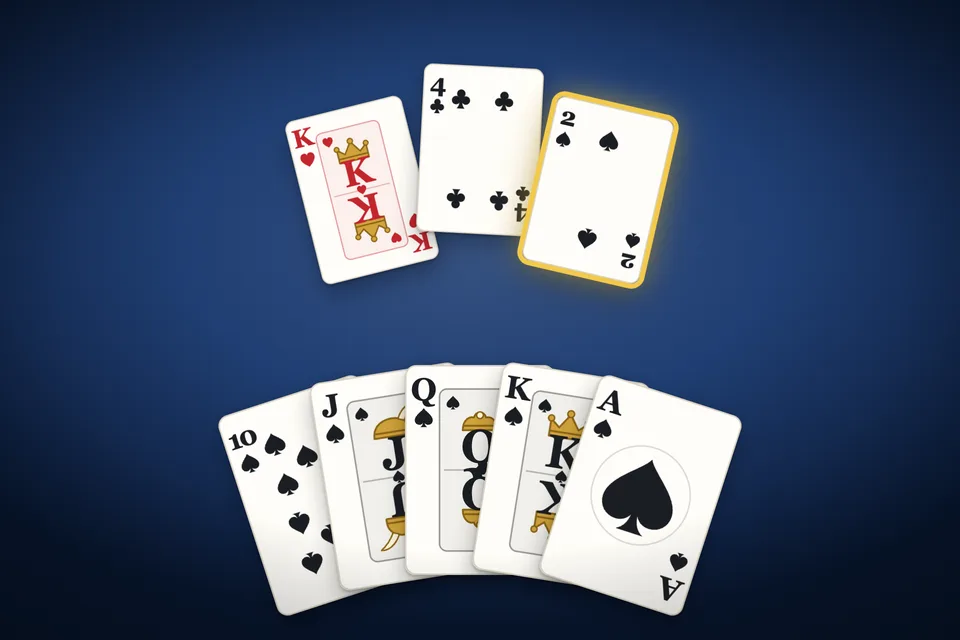
Play FreeCell solitaire online free. Every card is dealt face up, so each game is a puzzle you can solve with careful planning — drag cards or tap to move them, undo as often as you like, and replay any of the 32,000 classic numbered deals.
How to play FreeCell
Here's what you need to start your first deal. For the complete rules, with a worked example, ways to keep score and the common variations, read our complete FreeCell rules guide.
FreeCell is a one-player solitaire game played with a standard 52-card deck. Unlike Klondike, nothing is hidden: all 52 cards are dealt face up at the start, so luck plays almost no part. If you look ahead and use your space wisely, you can win nearly every deal.
The layout
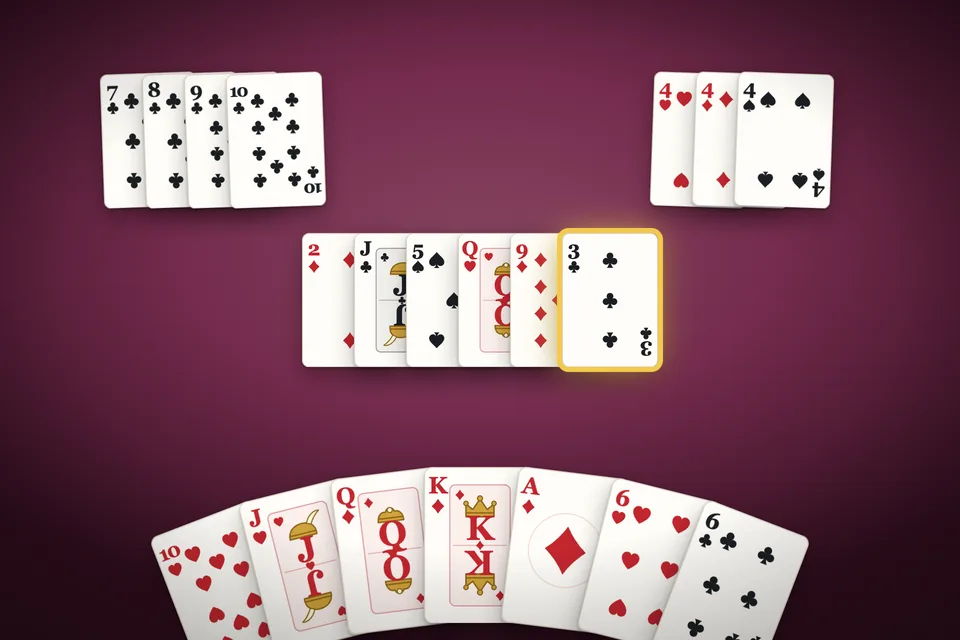
- Eight columns (also called cascades) hold the whole deck. The four columns on the left get seven cards each and the four on the right get six.
- Four free cells sit at the top left. Each one can hold any single card while you work.
- Four foundations sit at the top right, one for each suit. They start empty.
The goal
Move all 52 cards to the foundations. Each foundation builds up in one suit, starting with the Ace and ending with the King: A♠, 2♠, 3♠ and so on up to K♠.
Legal moves
- Build down in alternating colors. The bottom card of a column can go onto another column if it is one rank lower and the opposite color — a red 9 on a black 10, or a black 4 on a red 5.
- Park a card in a free cell. Any exposed card can go into an empty free cell. From there it can move to a column or a foundation later.
- Fill an empty column with anything. When a column is cleared, any card — or an ordered run of cards — can start it again.
- Play to the foundations. When the next card a foundation needs is exposed, move it up.
Cards on the foundations stay there. You win the moment the fourth King goes up.
Playing on BieGames
Drag a card, or a whole ordered run, and drop it where you want it. You can also tap a card to pick it up — legal spots glow green — then tap where it should go. Tap a card twice to send it to its best spot: a foundation first, then another column, then a free cell. With Auto-move on (the default, in Settings), cards that can no longer help you are sent to the foundations for you.
On a keyboard, press 1–8 to pick up a column and then 1–8 to drop it, C for a free cell, F for a foundation, H for a hint, Esc to let go, and Ctrl+Z (or ⌘Z) to undo. Tab and Enter work too.
Moving several cards at once
Officially, FreeCell moves one card at a time. But when a column ends in an ordered run — say 8♠ 7♥ 6♣ — you could move it card by card through empty free cells and columns, so the game lets you move the whole run in one go. This shortcut is called a supermove.
How many cards you can move at once depends on how much empty space you have:
| Empty free cells | No empty columns | 1 empty column | 2 empty columns |
|---|---|---|---|
| 0 | 1 card | 2 cards | 4 cards |
| 1 | 2 cards | 4 cards | 8 cards |
| 2 | 3 cards | 6 cards | 12 cards |
| 3 | 4 cards | 8 cards | 16 cards |
| 4 | 5 cards | 10 cards | 20 cards |
The formula is (empty free cells + 1) × 2empty columns. If you are moving the run into an empty column, that column can't also serve as a stopover, so use one fewer empty column in the formula — the limit is cut in half. The status line under the table always tells you how many cards you can move right now.
Notice how much more an empty column is worth than a free cell. That single fact is behind most good FreeCell strategy.
FreeCell strategy tips
- Look before you move. Every card is visible, so take a moment at the start to find the Aces and Twos and see what is sitting on top of them.
- Free the low cards first. Aces and Twos buried deep in a column hold everything up. Dig toward them early.
- Treat free cells as borrowed time. A card parked in a cell is a card you still have to place. Filling all four cells is the quickest way to get stuck, so try to keep at least one open.
- Empty a column whenever you can. An empty column doubles the size of the runs you can move — it is worth far more than a free cell.
- Don't rush to fill an empty column. Put a single card there only when it unlocks real progress. A long ordered run, ideally starting with a King, is the best tenant.
- Build long, tidy runs. Ordered runs in alternating colors are easy to move as a block later, and they keep the board under control.
- Watch which cards each move covers. Before placing a card, check you aren't burying a low card you'll need soon.
- Undo is a learning tool. If a line goes nowhere, step back and try another. The Hint button shows a move from a winning line whenever one can be found quickly.
Numbered deals and famous games
FreeCell became a household name when it shipped with Microsoft Windows. That version numbered its deals from 1 to 32,000, and each number always produces exactly the same layout. BieGames uses the same numbering, so deal #1 here is the same deal #1 that millions of people played at the office.
Deal #11982
In the 1990s, volunteers in an online project set out to solve every one of the 32,000 Windows deals by hand. They cracked all of them except one: #11982. Computer solvers have since confirmed it can't be won with four free cells, no matter what you do. It's the only unwinnable deal in the original set. You can still try it with Deal # — random and daily deals never pick it.
Almost always winnable
Every other deal from 1 to 32,000 can be won, and even across millions of deals the unwinnable ones are extremely rare. If you lose a game of FreeCell, there was almost certainly a way through. That's what makes it so satisfying: the puzzle is fair. For how that compares with Klondike, see Are all Solitaire games winnable?
Where FreeCell came from
FreeCell grew out of an older solitaire called Baker's Game, where cards are built down by suit instead of by alternating color. Switching to alternating colors made far more deals winnable, and the free cells gave the game its name. The idea was first turned into a computer game in the late 1970s, years before Windows made it famous.
Daily deal
Press Daily for today's deal — everyone playing on BieGames gets the same one. Win it on consecutive days to build a streak.
Want every detail, with examples and the common house rules? Read our complete FreeCell rules guide.
FreeCell FAQ
Is every game of FreeCell winnable?
Almost. Of the 32,000 classic numbered deals, only deal #11982 is impossible. Nearly every other deal can be won with careful play — though a few early mistakes can leave a position that no longer has a solution.
How many cards can I move at once in FreeCell?
Multiply the number of empty free cells plus one by two for each empty column. With 2 free cells open and 1 empty column, you can move (2 + 1) × 2 = 6 cards. Moving into an empty column halves the limit. The status line always shows your current limit.
Are these the same deals as Windows FreeCell?
Yes. BieGames uses the classic Microsoft numbering, so every deal from #1 to #32,000 matches the layout you remember. Use the Deal # button to play any number.
Can you put any card in an empty column in FreeCell?
Yes. Any card, or an ordered run of cards, can start an empty column — one of the big differences from Klondike, where only a King may. An empty column is worth even more than a free cell, so fill it only when it helps.
What does auto-move do?
When it is on, cards go to the foundations automatically once no other card could ever need to be built on them. Aces and Twos always go up right away. You can turn it off in Settings if you prefer to move every card yourself.
How does the Hint button work?
It quickly searches for a winning line from your current position and shows the first move. If it can tell there is no way left to win, it says so — a good moment to press Undo.
Can I undo moves?
Yes, as many as you like. Press Undo or Ctrl+Z (⌘Z on a Mac). Restart takes you back to the start of the same deal. Some achievements ask you to win without either.
What is the difference between FreeCell and Klondike?
In Klondike many cards start face down and you draw from a stock, so luck matters. In FreeCell every card is face up from the start and there is no stock, so almost every game comes down to planning.
Can I play FreeCell on my phone?
Yes. FreeCell runs in any modern browser on phones, tablets and computers, with nothing to install. Your game, time and moves are saved automatically, so you can close the page and pick up where you left off.
Why is it called FreeCell?
The name comes from the four free cells in the top-left corner. Each one can hold any single card while you rearrange the columns, and using them wisely is the heart of the game.
Can you move cards back off the foundations in FreeCell?
Not in classic FreeCell, and not on BieGames: once a card goes up to its foundation, it stays there. That is why auto-move only sends up cards that no other card could still need.
Is FreeCell harder than regular Solitaire?
It asks for more planning, but you usually lose less often. In Klondike, cards are hidden and some deals cannot be won. In FreeCell every card is face up and nearly every deal has a solution, so a loss almost always comes down to a move you can change next time.